Add a New Component Using TypeScript
Enact has a number of ready-to-use components. Each component includes TypeScript typing, allowing them to be easily integrated into a project.
Let’s start by using components from the Sandstone theme in a stateful React component.
Creating a Counter Component
Section titled “Creating a Counter Component”- Create a Counter folder in src/components and add a Counter.tsx file
./src/components/Counter/Counter.tsxCounter using TypeScript
Section titled “Counter using TypeScript”We can now populate the Counter.tsx file with a simple counter and add the following contents:
import {useState} from "react";import Button from "@enact/sandstone/Button";
const Counter:React.FC = () => {  const [count, setCount] = useState<number>(0);
  function increment() {    setCount(count + 1);  }
  function decrement() {    setCount(count - 1);  }
  function reset() {    setCount(0);  }
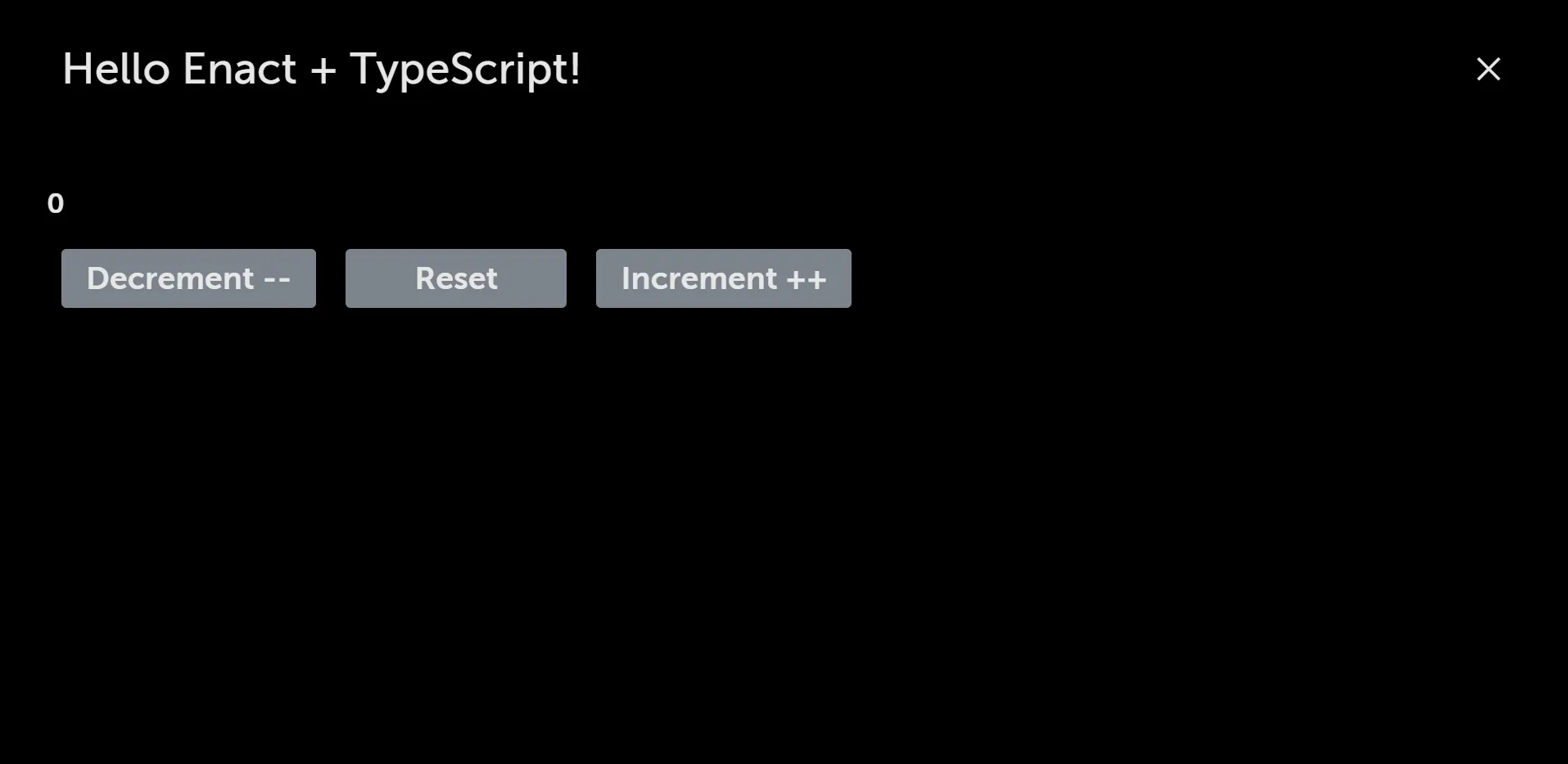
  return (    <div>      <h1>{count}</h1>      <Button onClick={decrement}>Decrement --</Button>      <Button onClick={reset}>Reset</Button>      <Button onClick={increment}>Increment ++</Button>    </div>  );}
export default Counter;- You’ll also need a package.json in the same directory to indicate the module’s entry point:
./src/components/Counter/package.json{ "main": "Counter.tsx"}Then, inside of views/MainPanel.tsx, we can import the Counter component:
// Custom componentimport Counter from "../components/Counter";
const MainPanel = kind({  name: "MainPanel",
  render: props => (    <Panel {...props}>      <Header title="Hello Enact + TypeScript!" />      <Counter />    </Panel>  )});
export default MainPanel;- Run the App in the terminal
npm run serveTypeScript Counter in the Browser
Section titled “TypeScript Counter in the Browser”